Do you need KakaoTalk as a visitor to Korea?
Messaging without the setup headache.
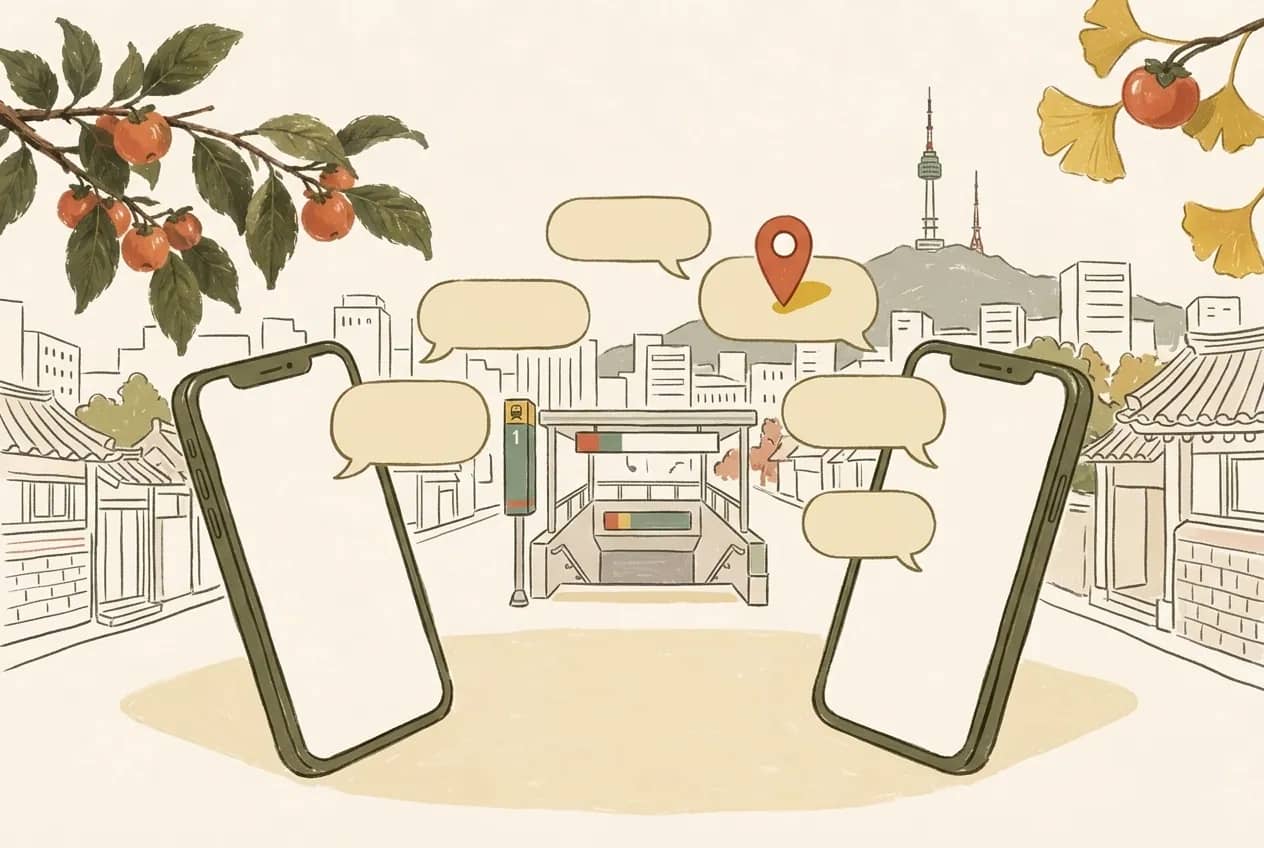
Here’s what to know.
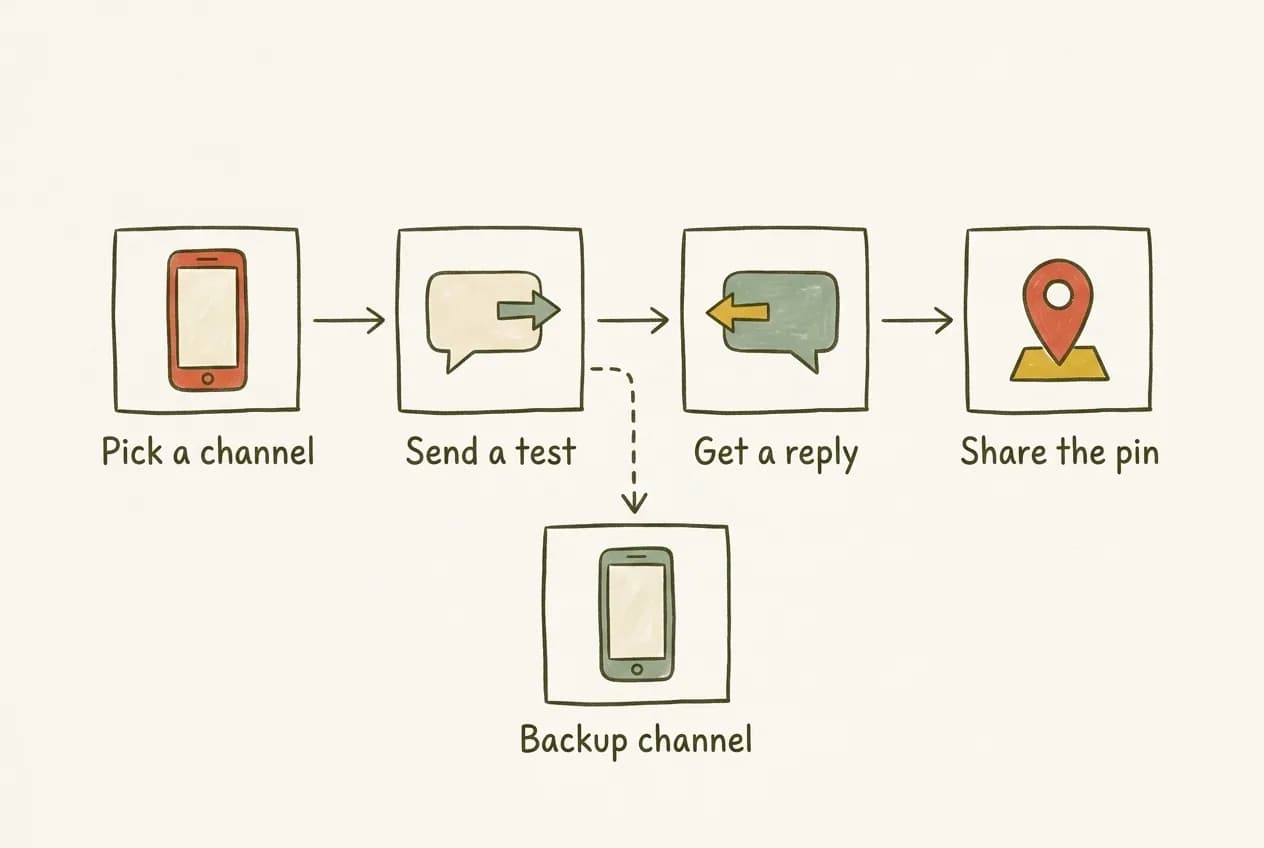
KakaoTalk can be useful when your Seoul contact already uses it, but it is not a requirement for meeting someone. Agree on a messaging channel that works for both of you and test it before the meetup. Registration and account restrictions depend on Kakao’s current rules; use its official support if setup or verification fails.
Before you go
- Agree on an app you can both actually use.
- Test messages before leaving your Wi-Fi connection.
- Share only the contact details you’re comfortable sharing.
Do I need KakaoTalk for a short trip?
Ask the person you are meeting. If you both already use another app, keeping that channel may be easier than setting up something new. For a meetup, reliable messages and a shared map pin matter more than which app you choose.
What should I check before relying on a new account?
Make sure you can send and receive a message with your contact. Keep access to any phone number or account required for verification. Kakao may apply account or messaging restrictions; check its current help pages instead of assuming every newly created account will work immediately.
- Install the official app from your device’s app store.
- Complete only the account steps you understand.
- Never give another person a verification code or your password.
How do I share my contact details comfortably?
Choose the contact method you are comfortable sharing, and check the app’s privacy and friend-discovery settings. Confirm that you have found the right person before sharing a meeting place. Avoid putting your hotel room or private address into an unfamiliar group chat.

What if setup or messages are not working?
Use Kakao’s official help for registration, verification and account restrictions. Meanwhile, agree on another working channel with your contact. Save the meeting place and time somewhere you can read offline, and do not leave an important change only in an app the other person cannot access.

Good questions.
Can I meet a local without KakaoTalk?
Yes. Agree on a channel that both people can use. There is no reason to insist on one app if messages, the meeting time and a map pin can be shared reliably elsewhere.
Will a new KakaoTalk account always work straight away?
Do not assume so. Verification and restrictions can depend on Kakao’s current policies and your account. Test messages before the meetup and use official support if there is a problem.
Should I share my phone number with someone I just met?
Only if you are comfortable doing so. Discuss an alternative channel when needed, check privacy settings and avoid sharing passwords, verification codes or more contact information than the meetup requires.
Sources & useful links
Plans and opening hours can change. Check the venue or official source before you go. How we put these guides together · Suggest a correction